View Platform Audit Logs
The Zilliz Cloud Platform Audit Logs feature provides a comprehensive view of logs associated with a specific Zilliz Cloud organization, encompassing access logs.
View platform audit logs
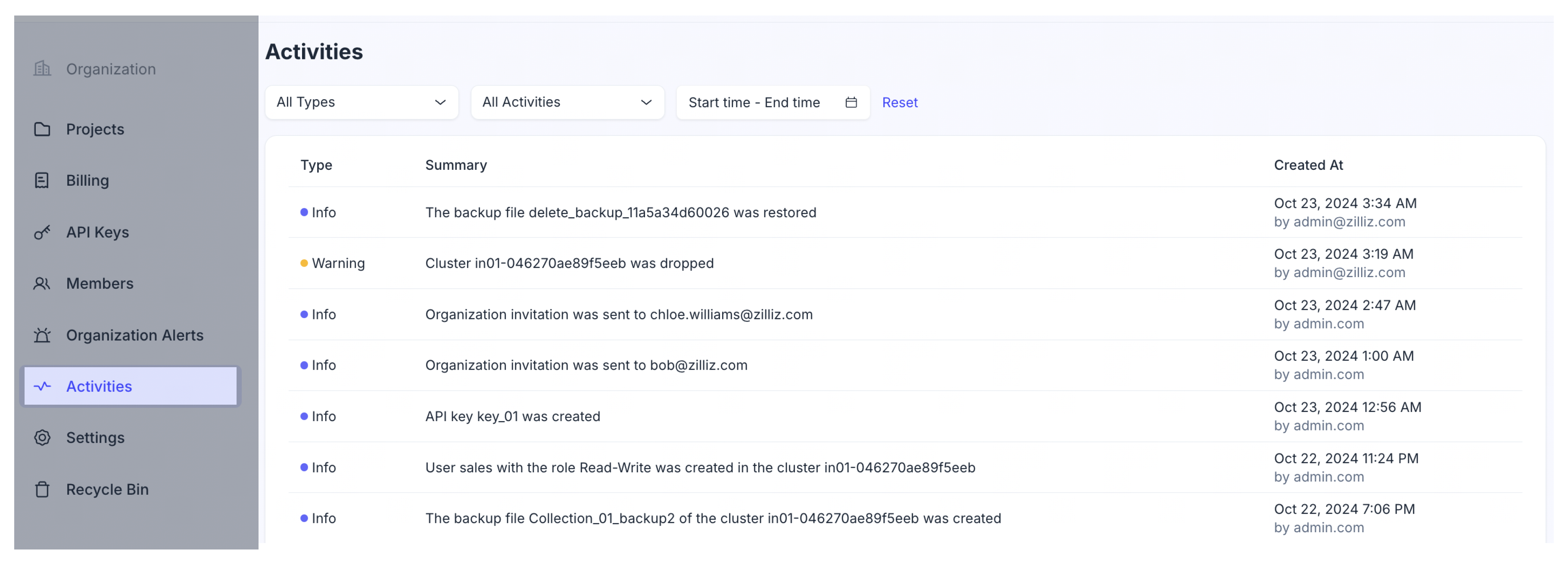
On the organization page, click Platform Audit Logs in the left navigation pane. Here, you can view a summary of platform logs, the time when each log was recorded, and the identity of the operator involved.
Filter platform audit logs
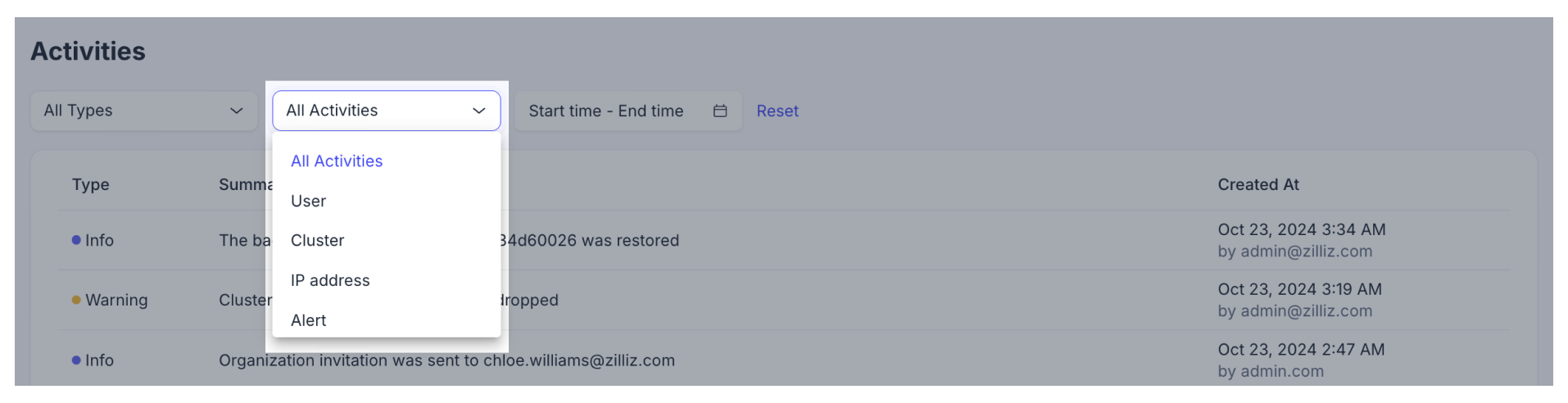
To enhance your control and ease in navigating through the platform audit logs, you can apply filters by type and time range. Utilizing a combination of these filtering conditions provides a more tailored view.
-
Filter by time range
Choose a start and end date to display logs occurring within a specific time frame. After setting your desired time range, click Apply to view all logs within this period.
NotesEnsure that the time span between your chosen start date and end date does not exceed 30 days.

-
Filter by type
Select your preferred log type from the list. Zilliz Cloud categorizes platform audit logs into three types: Info, Warning, and Error.
Activity Type Description Info General information related to clusters, access, or billing.
Eg. Cluster inxx-xxxxxxxxxxxxxxx was created.Warning Updates regarding resource states that necessitate your attention.
E.g., "Cluster inxx-xxxxxxxxxxxxxxx was deleted."Error Notifications of payment failures or other system malfunctions requiring immediate attention or action.
E.g., "The payment for the invoice invo-xxxxxxxxxxxxxxxxxxxxxxxx has failed."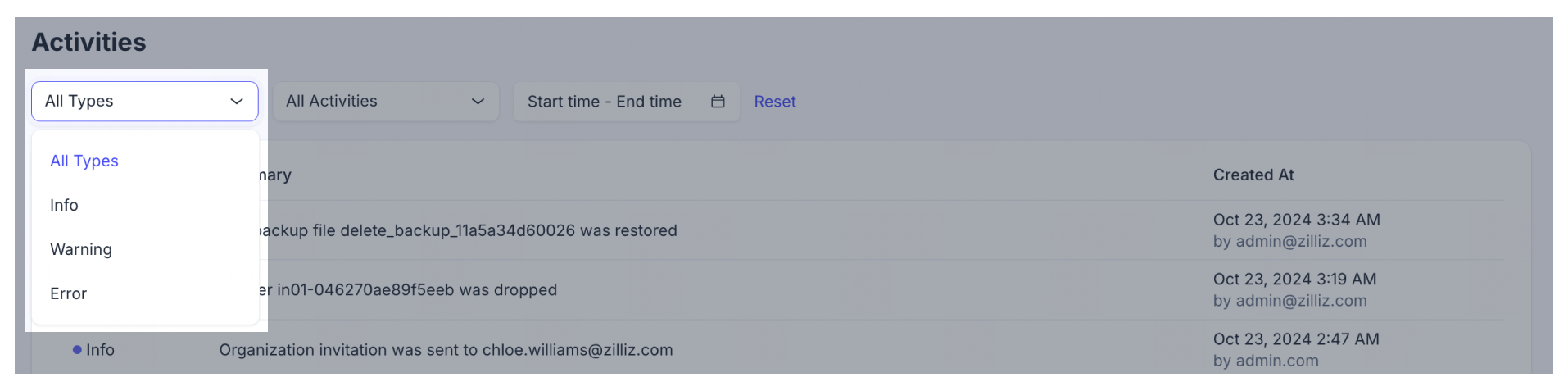
-
Filter by audit log